Google Stitch update: are designers dropping Figma?
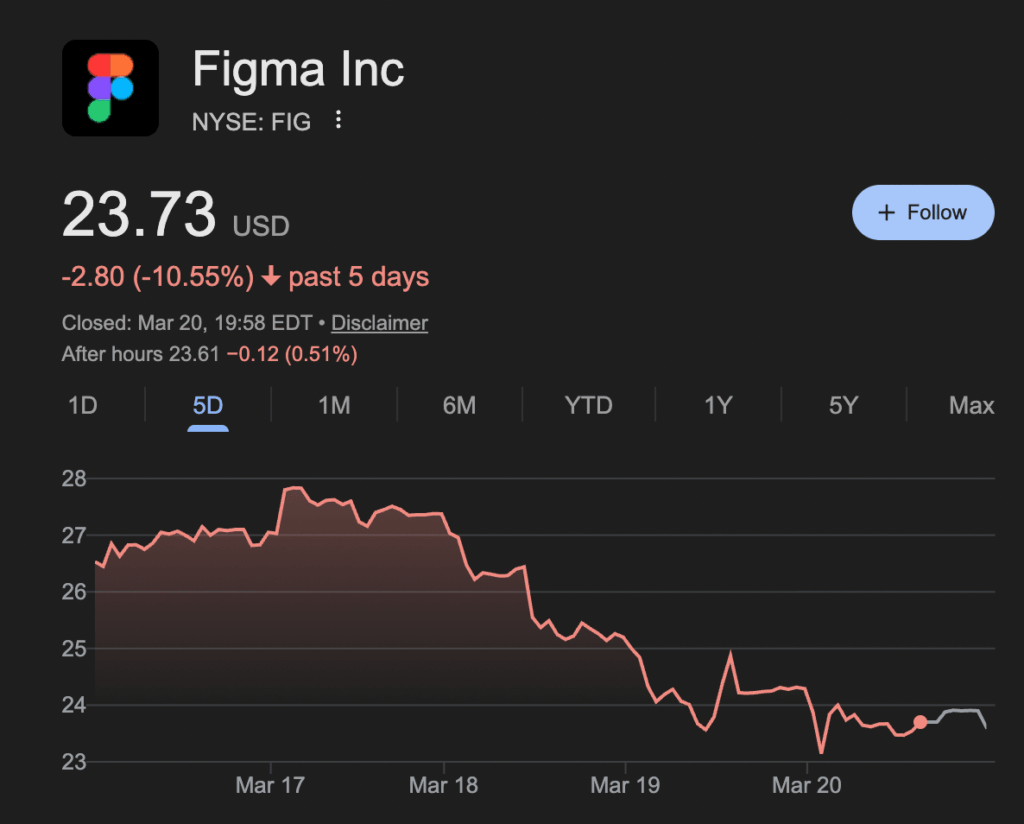
Google just released a new “vibe design” update to Stitch — its AI-powered design tool competing with Figma — and the market reacted quickly, with Figma’s stock dropping around 15% shortly after.
Google just dropped a major update to its AI design tool Stitch — and Figma’s stock dropped immediately.
Figma fell roughly 12% in two days, right after the announcement. The initial drop started with ~8% on day one, followed by another decline the next day as investors processed what this could mean for design tools.
At the center of it: Stitch, a tool that can generate full UI designs (and even code) from simple prompts.
What You Need To Know
Google’s Stitch introduces a different way to design — instead of starting with wireframes, you describe what you want, and it builds it.
Stich features:
Generates UI from text prompts
Support voice input (“vibe designing”)
Can output full layouts + flows
Iterates on designs automatically
Why Figma’s stock dropped
This isn’t about one feature — it’s about what gets replaced.
Traditionally:
Figma → design
Dev → implementation
With Stitch:
Prompt → UI → code
That removes steps from the process.
Investors are reacting to that shift — not just the tool itself.
Reports mention that Stitch can generate full interfaces and iterate on them without traditional design steps, which directly overlaps with what tools like Figma are used for today.
What Google Stitch actually does
Stitch is basically a prompt-to-UI system.
You can input something like:
“clean SaaS dashboard with charts and dark mode”
“mobile banking app with minimal design”
And it generates:
Screens
Layouts
Navigation flows
Brand guidelines
It also:
Expands designs automatically
Suggests next screens
Lets you edit with voice
Google is calling this approach “vibe design” — describing intent instead of drawing components.
Early reactions from users on social media
I checked Reddit and X — early reactions are mixed.
User @samtwtss prompted Stitch with a hand drawing and got great results
(My test and real results) Trying Stitch
I tested Stitch with a basic prompt to see what it actually produces.
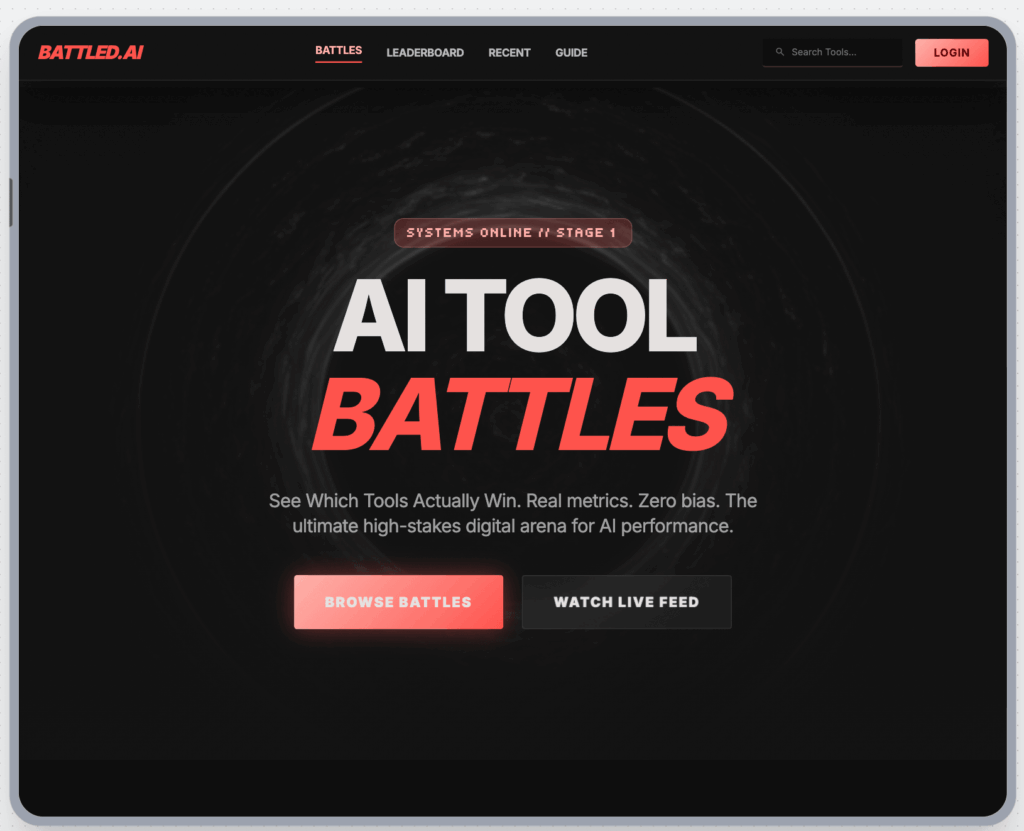
Prompt I used: “landing page for my website called battled.ai”
Result:
Stitch did a great job with the landing page, considering my basic prompt
Quick take on results:
Likes:
I like the overall design and UI of the interface, it doesn’t feel overly clustered or crowded
I like that Stitch first created a design guidelines screen, establishing early on the vibe, feel and style of the screens it’s yet to create(this unveils us some design choices and reasoning that the agent uses behind the scenes)
I can create quick iterations on mockups to help me visualize complex project features as a developer
Dislikes:
When you ask for bigger changes in the design, Stitch creates new screens instead of updating existing ones. I would like Stitch to modify what’s already there and not append new screens
The design Stitch output did look a bit 2013ish-like, but maybe my simple prompt was to blame not the agent
Output takes a while – and the design can look a lot like a reused boilerplate
Less control over details and it feels a bit copy-paste design
Feels closer to “generate → tweak” than “design from scratch.”
Figma Make takes up a lot of tokens and can be pricey
Useful tips
Stitch isn’t available everywhere yet, so if you want to try it out and you are not in the US:
You can access it by:
Using a VPN
Trying regions where Google Labs features roll out first (usually US)
Final thoughts
Figma isn’t going anywhere just yet.
In the end, just look at the designs Stitch outputs and decide for yourself. In its current state, Stitch works well for quick mockups — especially for non-technical users who want something to hand off to a designer, or for developers like me who just want to quickly visualize a feature for a client.
But we’ll see how Stitch improves over time, and whether any noticeable changes actually happen.